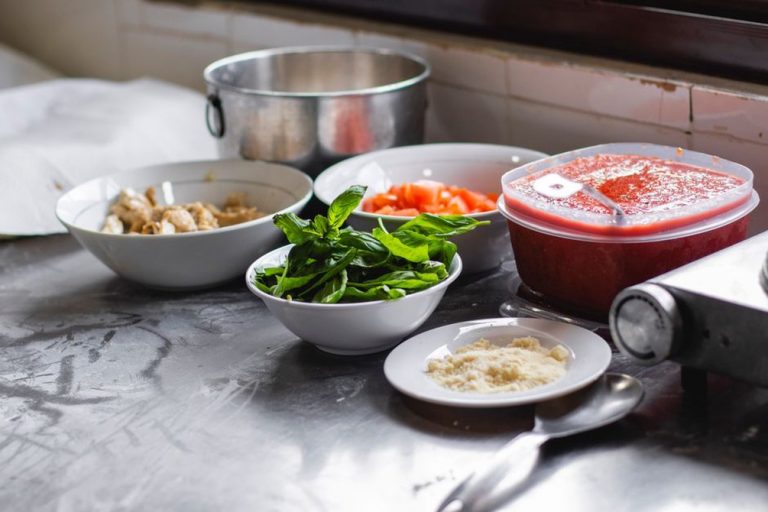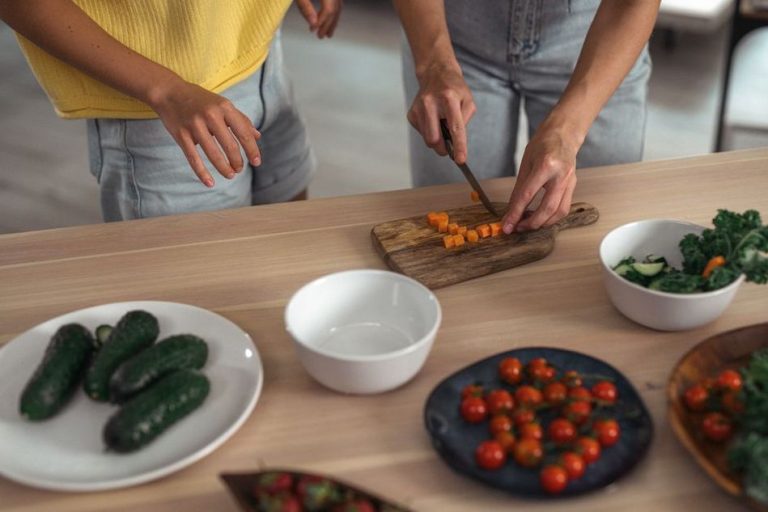
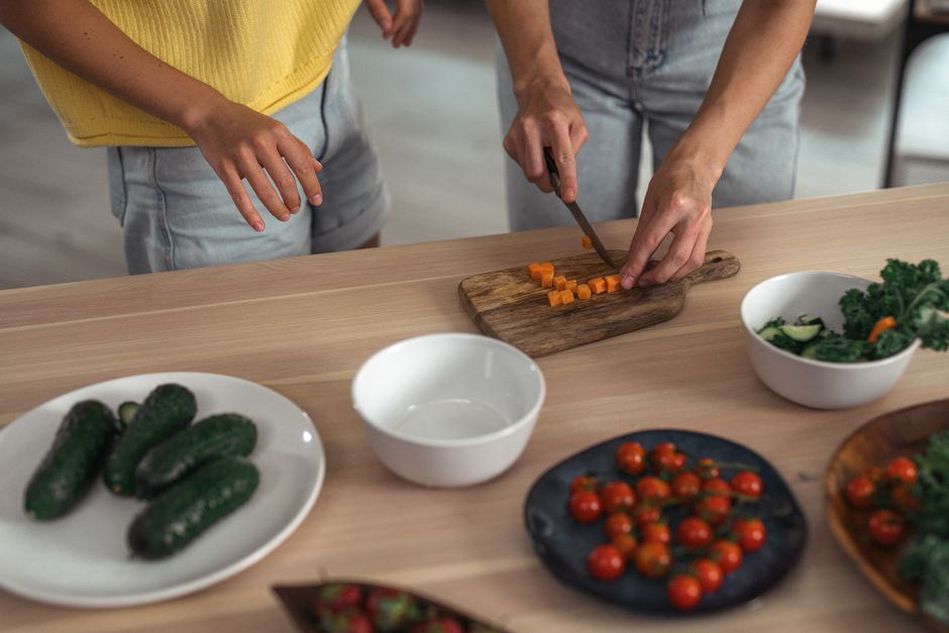
A photo of a finished AIP dinner will not tell readers whether the sauce contains nightshades. If the post is helping someone choose ingredients, a clear view of the components—or a labeled preparation step—is more useful than a dramatic overhead shot. Choose the image that answers a question readers are likely to have at that point in the page.
Give each image a job
Before choosing a visual, jot down what the paragraph beside it needs to explain. In a recipe, a photo might show what “finely chopped” looks like, how full to pack a measuring cup, or the texture of cooked vegetables. A meal-planning post might show how ingredients are divided across several meals. For an article about food-and-symptom diaries, a blank, fictional example can show what to record without looking like clinical guidance.
An image that repeats the headline in decorative lettering may interrupt the explanation without adding much. That does not mean every photo needs labels. A finished dish can help readers decide whether a recipe appeals to them. Just keep the caption accurate: “Roasted carrots with parsley and olive oil” tells them more than “Gut-healing dinner.” A food photo cannot show that a dish will relieve symptoms or fit everyone’s exclusion plan.
Try hiding the image and reading the surrounding text. If nothing becomes harder to understand, consider removing it. If the image carries essential information, put that information in the text too; some readers turn images off or use a screen reader.
Choose what belongs in the frame
For a recipe, photograph the food as the instructions prepare it. A serving suggestion is fine, but it should not quietly introduce an ingredient missing from the recipe. Seeds sprinkled over an AIP elimination-phase meal, for example, could confuse readers even if they are only there for styling. A bowl of raw onion beside a low-FODMAP meal-plan example may likewise look like part of the proposed meal. If an ingredient is optional or belongs to a later reintroduction phase, say so next to the image.
Crop close enough that the important detail remains visible on a phone. A wide kitchen scene can look inviting at full size while reducing a jar label or chopping step to a speck. Clear lighting and visible ingredients usually help more than elaborate props. If hands appear in a preparation photo, make sure they show the action rather than hide the food.
Consistency matters when readers compare steps. Where practical, use the same bowl or cutting board and shoot successive stages from a similar angle. Whole carrots, the intended cut, and the cooked result are easier to follow as a sequence than as three unrelated styled photos.
Match the visual to the type of post
Recipes and ingredient guides
Show details that words can leave ambiguous: sauce thickness, the size of a vegetable cut, or the color of a cooked batch. If a packaged-food label is the point of the photo, make it legible. Check the package date and ingredient list before publishing, too. Formulations change, and an old photo should not stand in for current product information.
Elimination and reintroduction articles
Use diagrams sparingly, and label them as examples rather than schedules everyone should follow. Exclusion approaches are individualized and can limit dietary variety if they are too broad or prolonged. A reintroduction graphic can separate “food tried,” “amount eaten,” and “observations” without suggesting that a symptom proves one ingredient caused it. If you show a diary, use fictional entries rather than a tidy before-and-after story that implies a predictable result.
Worried faces, inflamed digestive organs, and red warning symbols can make uncertainty look like an emergency. They do little to explain the post. Readers should discuss persistent digestive symptoms and significant dietary changes with a doctor; neither a blog image nor an exclusion diet is a substitute for medical care or a way to diagnose a condition.
Research explainers
Charts can help readers compare concepts, but they need more care than food photos. Say what is measured, give units where relevant, and identify the population and timeframe. An association between diet and microbiome measures does not mean one meal “repairs” the gut. When evidence is preliminary or mixed, a neutral diagram may be clearer than an upward arrow labeled “health.”
Keep words off the image when possible
Words baked into a photo can shrink to an unreadable size on a phone, and assistive technology may not pick them up. Put instructions, ingredient notes, and cautions in the article’s HTML text. Short labels can still help in a diagram if they remain readable at mobile width and nearby text explains the same point.
Take care with comparison graphics. A plain “before” plate beside an abundant “after” plate can suggest that a protocol guarantees a change. It is more honest to show two substitutions for the same recipe, identify each version, and explain its purpose. Do not rely on red and green alone to distinguish them: some readers may struggle to tell the colors apart, and the pairing can make foods look inherently dangerous or virtuous.
Write alt text for the information, not the decoration
Alt text should convey what matters about an image in its context. For the carrot-cutting photo above, “Carrots cut into even pieces before roasting” is more useful than “Beautiful healthy vegetables.” If the nearby paragraph fully describes an image that adds nothing else, empty alt text may be better than announcing it again.
For a chart, describe the main point in the alt text and provide the figures or categories in accessible text nearby. A short alt attribute cannot replace a table of values. Skip keyword strings such as “paleo gut health autoimmune diet recipe”; they do not describe the image. Captions have a different job: they can explain why an image matters, while alt text conveys its relevant visual content.

Make the page comfortable to load and scan
Large image files can delay the instructions someone came to read, especially on a mobile connection. Export photos at suitable display dimensions and use a web-friendly format when your publishing system supports it. Check that compression has not blurred labels or food details. Supply image dimensions so the page holds their space while they load instead of shifting the paragraphs around.
Place each image near the passage it supports. A cutting photo belongs beside the cutting instruction, not several paragraphs later among serving ideas. Avoid stacking similar photos before the first useful instruction. Descriptive headings, text, and visuals should appear in an order that makes a particular step easy to find.
Check the page on a narrow phone screen and a larger display before publishing. On the phone, look for a cropped-out focal point, diagram text that has become too small, or a tall image that pushes the next instruction far down the page. If a detail only shows up when you zoom in, crop tighter or explain it in words.
Use a short pre-publication image check
- Purpose: What question does each image answer?
- Accuracy: Do visible ingredients, portions, labels, and preparation stages match the text?
- Claims: Could the image or caption suggest a health outcome the article cannot support?
- Access: Is important visual information available in text, with useful alt text where needed?
- Usability: Is the image clear, relevant, and reasonably quick to load on a phone?
For the next recipe you edit, look first at the photo nearest the ingredient list. Check every visible topping against the written ingredients. If something is only a serving suggestion, add an accurate note—or choose a photo of the recipe as written. That is how a garnish stays a garnish instead of becoming an accidental instruction.